
المصحفQuran
قراءة المصحف مع العلامات والبحث والتفسير.Read the Quran with bookmarks, search, and commentary.
تطبيق أذكار يساعدك على متابعة الأذكار اليومية، تنظيم الورد الشخصي، أوقات الصلاة، والتنبيهات ضمن تجربة بسيطة ومريحة بالعربية والإنجليزية والأوردية. Athkar helps you follow daily adhkar, organize personal wird, view prayer times, and manage reminders in a simple experience in Arabic, English, and Urdu.
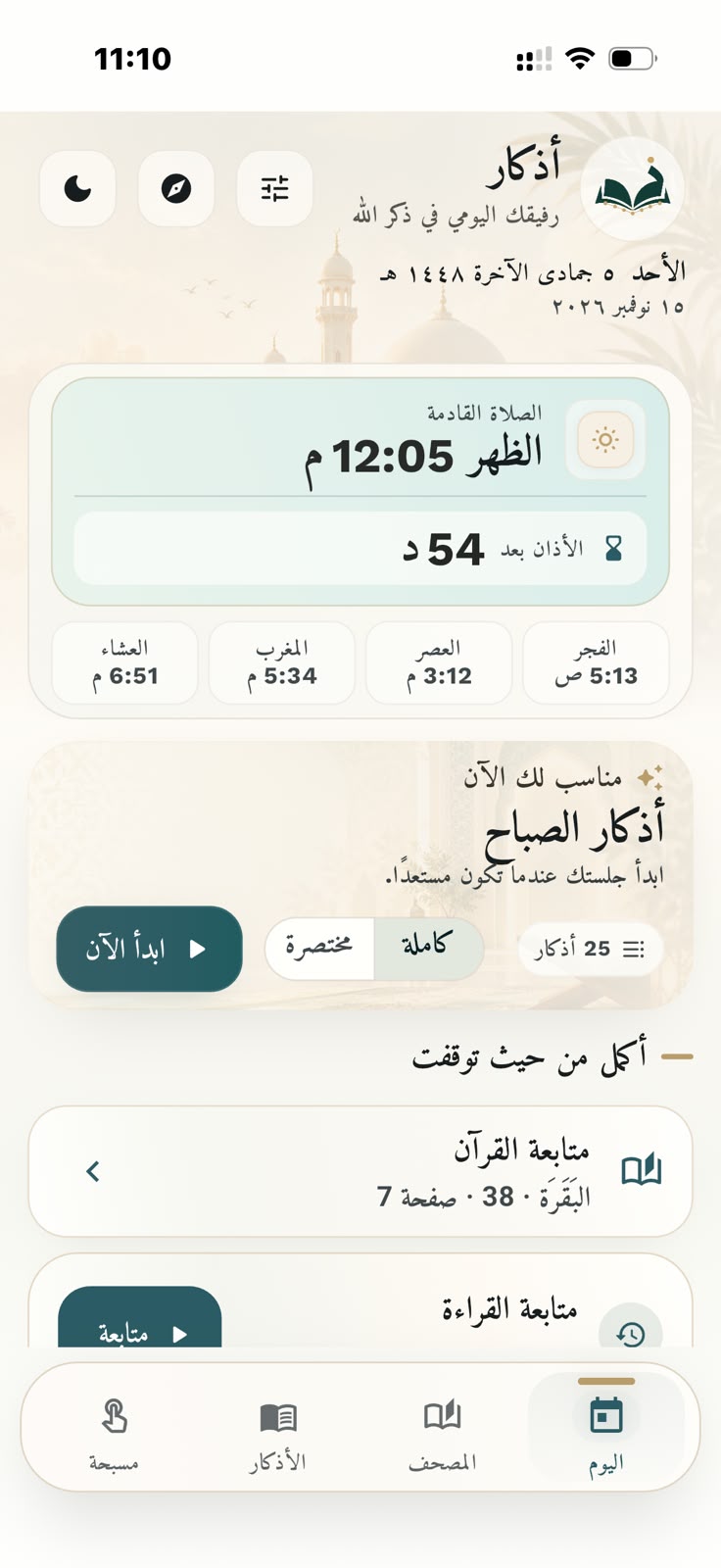
لقطات من التطبيق على الهاتفScreenshots from the app on a phone
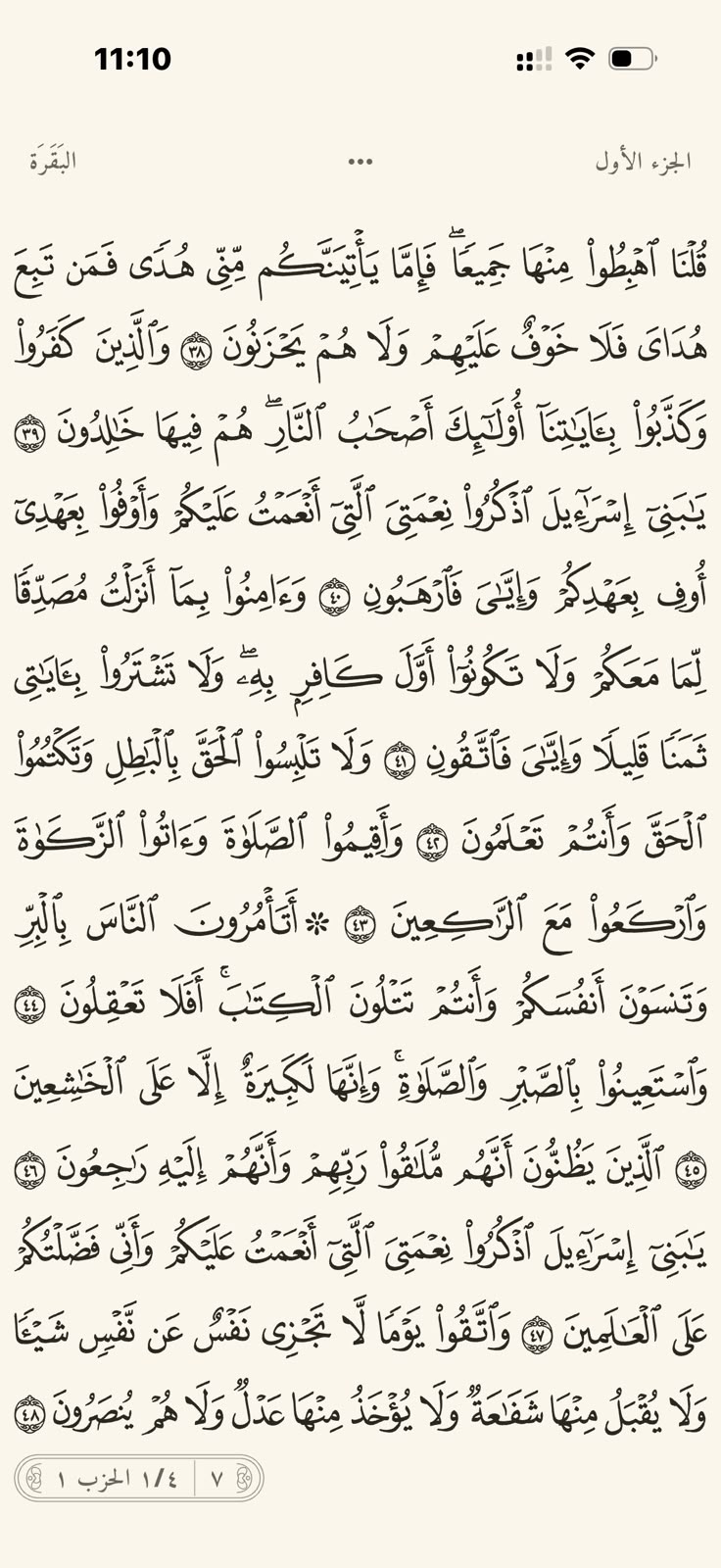
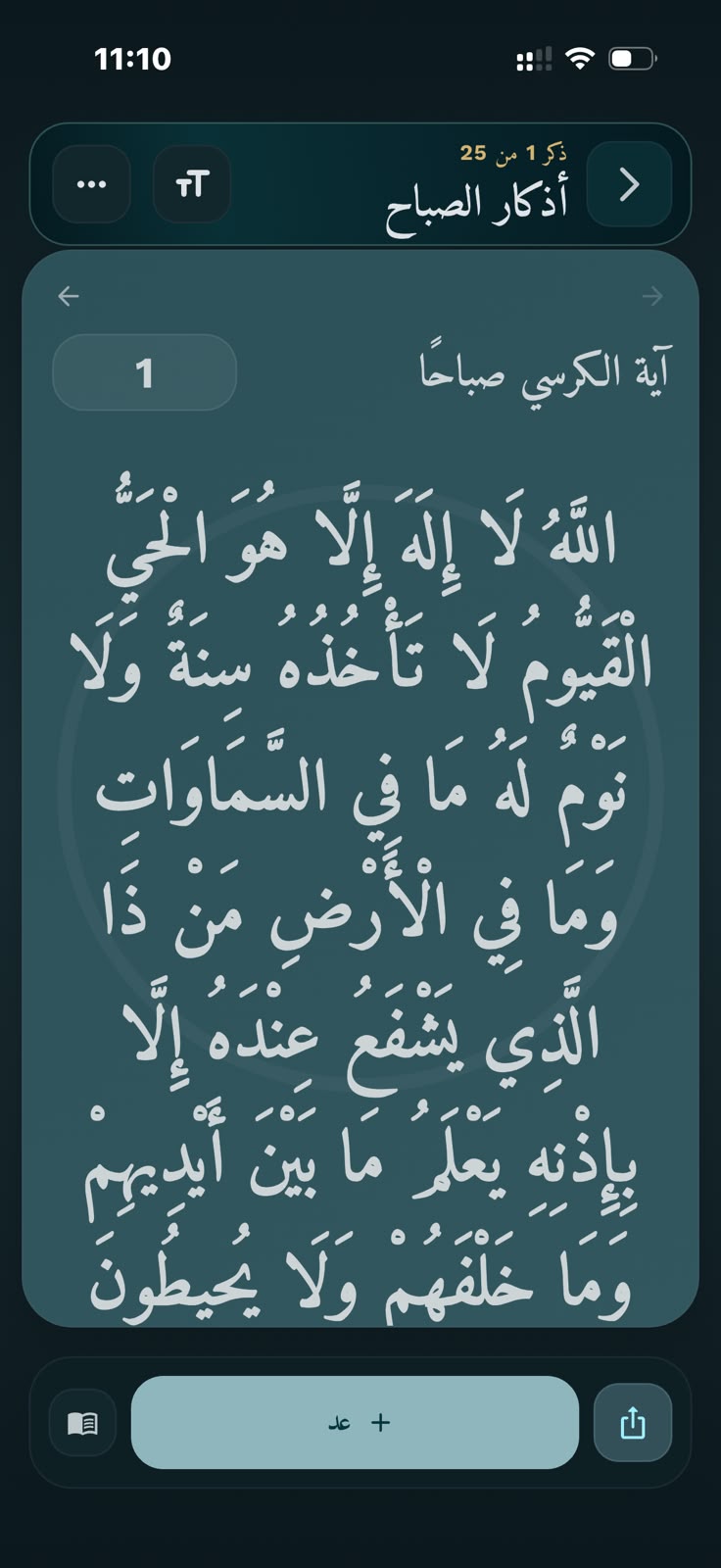
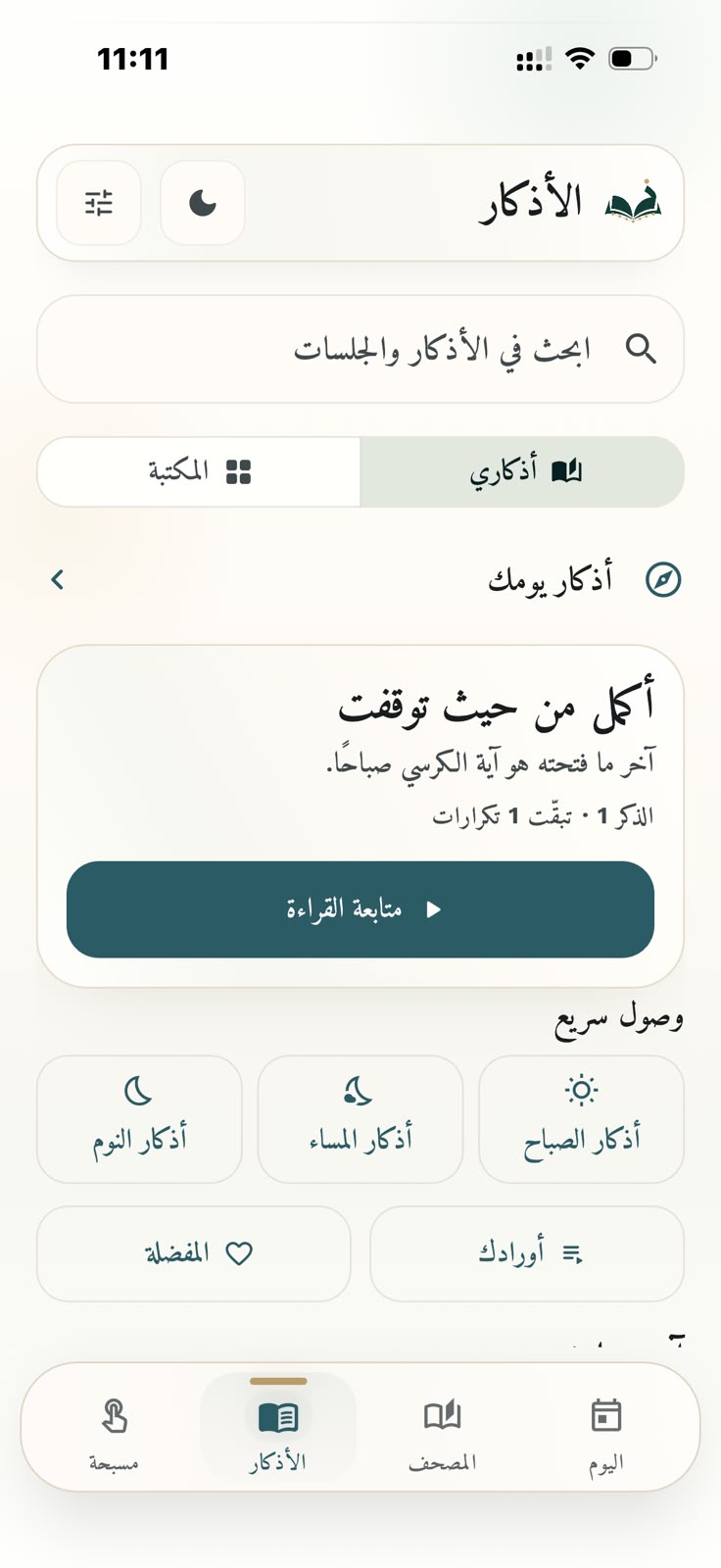
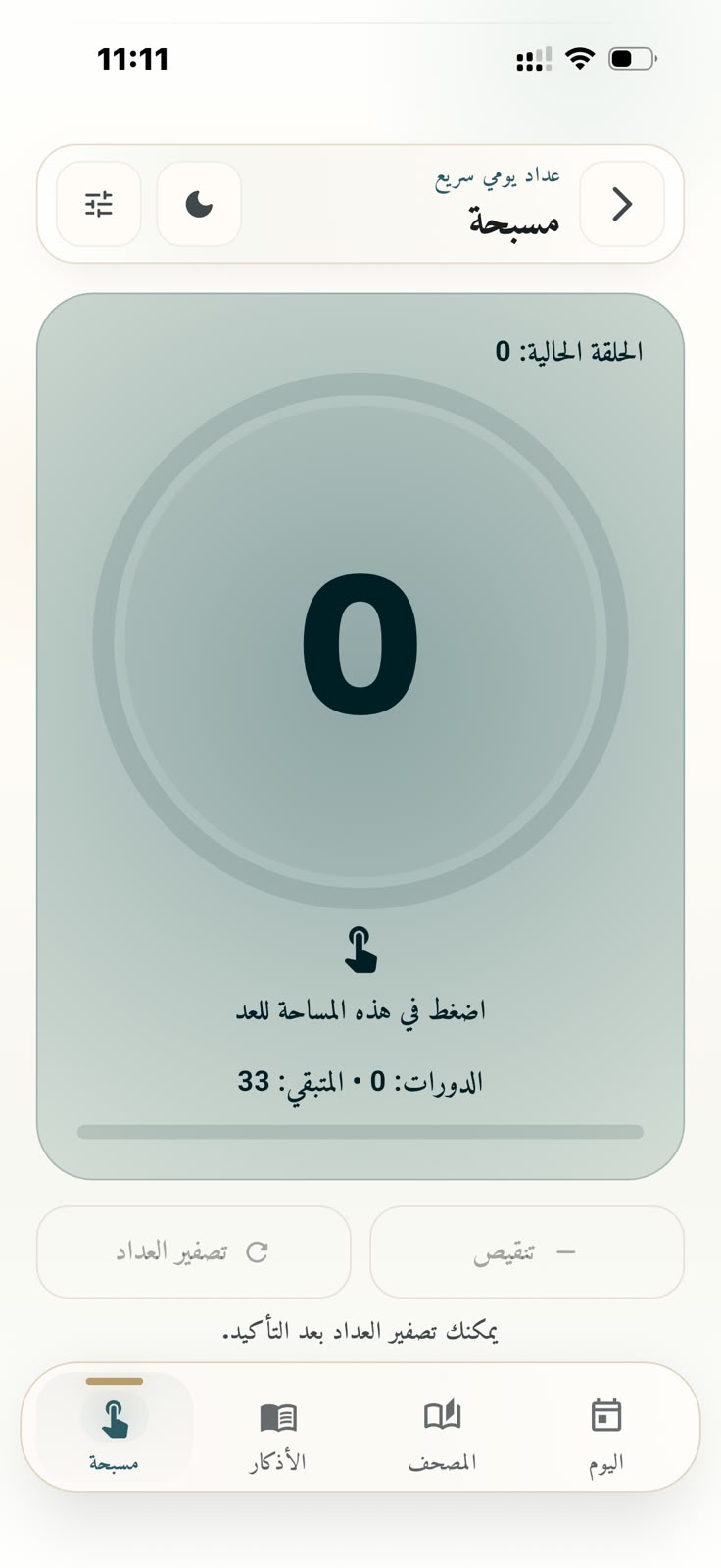
صُمم التطبيق ليكون بسيطًا، سريع الوصول، ومناسبًا للاستخدام اليومي. The app is designed to be simple, quick to access, and suitable for daily use.
قراءة المصحف مع العلامات والبحث والتفسير.Read the Quran with bookmarks, search, and commentary.
عرض الأذكار ومواقيت الصلاة من شاشة الهاتف.See remembrances and prayer times on your phone screen.
الوصول السريع لأذكار الصباح، المساء، النوم، وما بعد الصلاة.Quick access to morning, evening, sleeping, and post-prayer adhkar.
ربط أوضح بين وقت الصلاة والذكر المناسب في اليوم.A clearer connection between prayer time and the right daily remembrance.
تنبيهات محلية قابلة للتخصيص للأذكار والورد الشخصي.Customizable local reminders for adhkar and personal wird.
تنظيم عاداتك اليومية بطريقة مرنة ومناسبة لروتينك.Organize your daily habits in a flexible way that fits your routine.
واجهة تدعم العربية والإنجليزية والأوردية.An interface in Arabic, English, and Urdu.
دعم النسخ الاحتياطي عبر Google Drive لحفظ البيانات عند الحاجة.Google Drive backup support to help keep user data safe when needed.
آخر تحديث: 09 نوفمبر 2026 Last updated: 9 November 2026
تشرح هذه السياسة كيفية تعامل تطبيق أذكار مع البيانات عند استخدام المصحف والأذكار وأوقات الصلاة والتنبيهات والنسخ الاحتياطي. يعمل التطبيق بالعربية والإنجليزية والأوردية، ولا يتطلب إنشاء حساب لاستخدام ميزاته الأساسية. التطبيق مجاني ولا يعرض إعلانات داخله.
يحفظ التطبيق تفضيلات اللغة والعرض والتنبيهات، والتقدم في القراءة، والعلامات المرجعية والمفضلة، والأذكار والجلسات التي تنشئها، محليًا على جهازك. إذا سمحت بالوصول إلى الموقع، يستخدم إحداثياتك لتحديد المدينة وأوقات الصلاة والقبلة؛ وقد يستعين بخدمة تحديد العنوان التي يوفرها نظام الهاتف. يمكن أيضًا اختيار الموقع يدويًا. تُحفظ المدينة وإحداثيات الموقع ضمن إعدادات الصلاة، وقد تدخل في النسخة الاحتياطية إذا استخدمت النسخ الاحتياطي. يمكنك إلغاء إذن الموقع من إعدادات الجهاز.
عند توافر Firebase، يفعّل التطبيق Google Analytics لقياس الاستخدام، بما في ذلك فتح التطبيق وبعض التفاعلات مع الأقسام والمفضلة والإعدادات؛ ويفعّل Crashlytics لتلقي تقارير الأعطال في نسخ الإصدار. ويستخدم أيضًا Remote Config، وقد يستخدم Cloud Messaging للإشعارات عن بُعد عند تفعيلها، وIn-App Messaging، ومراقبة الأداء. قد تعالج هذه الخدمات معرّفات التثبيت، ومعلومات الجهاز والتطبيق، وبيانات الاستخدام والتشخيص، وعنوان الشبكة وفق طبيعة الخدمة. لا يضيف التطبيق إحداثيات الموقع أو البريد الإلكتروني إلى معاملات أحداث Analytics التي يسجلها بنفسه. لا يتوفر حاليًا مفتاح داخل التطبيق لإيقاف جمع بيانات Analytics أو تقارير الأعطال. راجع معلومات خصوصية Firebase للتفاصيل وفترات الاحتفاظ الخاصة بكل خدمة.
يمكنك إنشاء نسخة محلية داخل مساحة ملفات التطبيق. وإذا اخترت ربط حساب Google واستخدام النسخ الاحتياطي عبر Drive، يعرض التطبيق بريد الحساب المتصل، ويطلب نطاق drive.appdata، ويحفظ نسخة من بيانات التطبيق، مثل التفضيلات والتقدم والمحتوى الشخصي وإعدادات الصلاة، في مجلد بيانات التطبيق المخفي في حسابك. قد تتضمن النسخة إحداثيات الموقع المحفوظة. هذا المجلد ليس ملفًا ظاهرًا في قائمة ملفات Drive المعتادة. قد يحاول التطبيق مزامنة النسخة لاحقًا عند بقاء الحساب متصلًا وفق إعدادات النسخ الاحتياطي. فصل الحساب يوقف الاتصال ولا يحذف النسخة الموجودة في Drive.
يستخدم التطبيق إشعارات محلية للأذكار والصلاة والورد. وإذا فُعّلت الرسائل عن بُعد، تتعامل خدمة Firebase Cloud Messaging مع معرّف/رمز التثبيت اللازم لتسليمها. يمكن إلغاء إذن الإشعارات من إعدادات الجهاز. عند اختيار مشاركة آية أو ذكر، يرسل التطبيق المحتوى الذي اخترته إلى تطبيق المشاركة الذي تحدده عبر واجهة النظام.
تبقى البيانات المحلية حتى تحذفها أو تزيل التطبيق، مع مراعاة أي نسخ احتياطي للنظام. حذف التطبيق أو فصل Google لا يحذف تلقائيًا نسخة Drive أو بيانات Firebase السابقة. لحذف بيانات Drive المخفية، افتح إعدادات Google Drive ← إدارة التطبيقات ← ابحث عن التطبيق المتصل ← حذف بيانات التطبيق المخفية؛ راجع تعليمات Google. تحتفظ Google ببيانات Firebase وفق فترات تختلف بحسب الخدمة. للاستفسار عن البيانات أو طلب مراجعة/حذف ما يمكن ربطه بتطبيقنا، راسلنا على abdullahkrs93@gmail.com. لا نبيع بياناتك.
التطبيق مخصص للاستخدام العام ولا يطلب من الأطفال إنشاء حساب. تسري ممارسات البيانات التقنية المذكورة أعلاه أيضًا عند استخدام التطبيق من قِبل طفل. إذا كنت ولي أمر ولديك طلب متعلق ببيانات طفل، فتواصل معنا. سننشر أي تحديث لهذه السياسة في هذه الصفحة مع تاريخ تحديث جديد.
This policy explains how Athkar handles data when you use the Quran, adhkar, prayer times, reminders, and backups. The app supports Arabic, English, and Urdu. Its core features do not require an account. The app is free and does not display ads within the app.
The app stores language and display preferences, reminder settings, reading progress, bookmarks and favorites, and the adhkar and sessions you create on your device. If you grant location permission, it uses your coordinates to determine your city, prayer times, and Qibla direction; it may use the phone system's reverse-geocoding service. You can also choose a location manually. The city and coordinates are saved with prayer settings and may be included in a backup if you use that feature. You can revoke location permission in your device settings.
When Firebase is available, the app enables Google Analytics to measure usage, including app opens and selected interactions with categories, favorites, and settings. It enables Crashlytics to receive crash reports in release builds. The app also uses Remote Config and may use Cloud Messaging for remote notifications when enabled, In-App Messaging, and Performance Monitoring. Depending on the service, these tools may process installation identifiers, device and app information, usage and diagnostic data, and network addresses. The app's own Analytics event parameters exclude location coordinates and email addresses. There is currently no in-app switch to disable Analytics or crash-report collection. See Firebase's privacy information for details and service-specific retention periods.
You can create a local backup in the app's file storage. If you choose to connect a Google account and use Drive backup, the app displays the connected account email, requests the drive.appdata scope, and saves app data, such as preferences, progress, personal content, and prayer settings, in your account's hidden app-data folder. Saved location coordinates may be included. This folder is not a regular visible file in Drive. While your account remains connected, the app may sync later according to your backup settings. Disconnecting the account stops the connection but does not delete the existing Drive copy.
The app uses local notifications for adhkar, prayer times, and personal wird. If remote messages are enabled, Firebase Cloud Messaging handles the installation identifier/token needed to deliver them. You can revoke notification permission in your device settings. When you choose to share an ayah or dhikr, the app passes the selected content to the destination you choose through the system share sheet.
Local data remains until you delete it or remove the app, subject to any device-system backups. Removing the app or disconnecting Google does not automatically delete a Drive backup or previously collected Firebase data. To delete hidden Drive app data, open Google Drive settings → Manage apps → find the connected app → Delete hidden app data; see Google's instructions. Google retains Firebase data for periods that vary by service. For questions or to request review or deletion of data that can be associated with our app, email abdullahkrs93@gmail.com. We do not sell your data.
The app is intended for general use and does not ask children to create an account. The technical data practices described above also apply when a child uses the app. Parents or guardians can contact us about a child's data. We will publish changes to this policy on this page with a new update date.
لأي استفسار متعلق بالتطبيق أو الخصوصية، يمكن التواصل عبر البريد الإلكتروني. For app or privacy-related questions, contact us by email.